

01 · Logos
The logo and its versions
Use the main logo whenever you can. The other versions are for colored backgrounds or small spaces.




02 · Colors
Palette
Mint drives action, forest builds trust and the neutrals give room to breathe. Tap a code to copy it.
Mint
Buttons, accents and active states
Forest
Emphasis text and dark blocks
Mint tint
Pills, notices and soft backgrounds
Cream
Page background
Warm gray
Sections and borders
White
Cards and fields
Black
Main text
Yellow
Only “Popular” and promotions
Share on screen
Lots of neutral, a little mint. Yellow is a wink.
NeutralsForest and blackMint and tintYellow up to 2%
Contrast
| AaForest on mint: buttons | 7.8 : 1 · yes |
| AaMint on forest | 7.8 : 1 · yes |
| AaForest on tint: pills | 12.4 : 1 · yes |
| AaMint on white | 1.8 : 1 · never for text |
03 · Typography
Inter for everything, DM Mono for labels
One family for headings, buttons and text. The monospace is only for small labels and data.
Aa
Inter
Answers, books and sellsHeading · 800
Your AI CRMSubheading · 700
Replies on WhatsApp 24 hours a day.Body · 400
Try for freeButton · 600
The wordmark is a custom drawing: never type it in Inter or any other font. Always use the logo file.
04 · Logo usage
How to use the logo
Three rules so it always looks the same.
Clear space
Leave clear space around it equal to the width of one dot of the symbol (“x”). Nothing goes inside that margin.
xxxxMinimum size
Logo: 72 px on screen or 19 mm in print. Smaller than that, use only the symbol (minimum 24 px).
140 px72 px · minimum 24 px
What to avoid
Change the colors
Stretch or squash it
Rotate it
Place it on colors outside the palette
Add shadows or effects
Use the name without the symbol
05 · How to write it
Chateea, always like this
Capital first letter, the rest lowercase, with a double “e”.
Correct
Chateea
- “Chateea” for the brand and the product.
- “the Chateea app” for the mobile app.
- In running text, write it normally, without the logo.
Incorrect
CHATEEA · chateea · Chatea · ChaTeea
- Translate it or turn it into a verb: “chateear”.
- Use the symbol as a bullet inside a paragraph.
- Split it: “Chat eea”.
06 · Resources
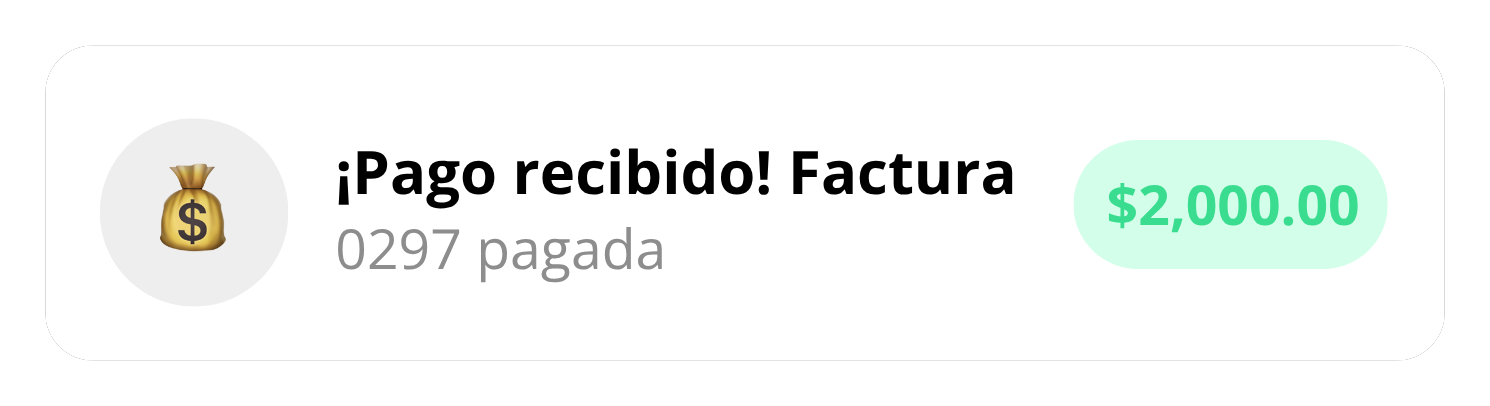
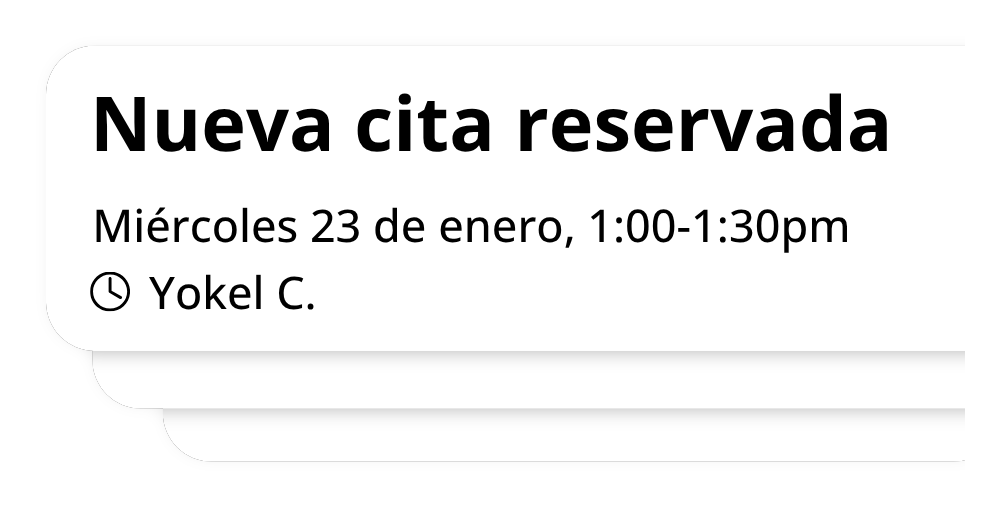
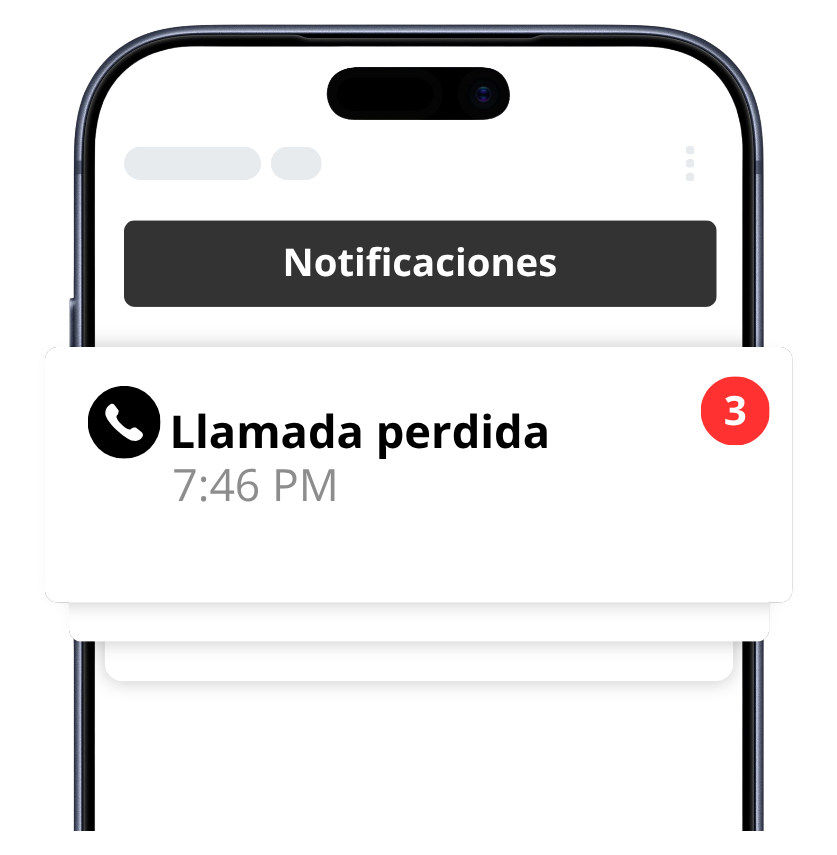
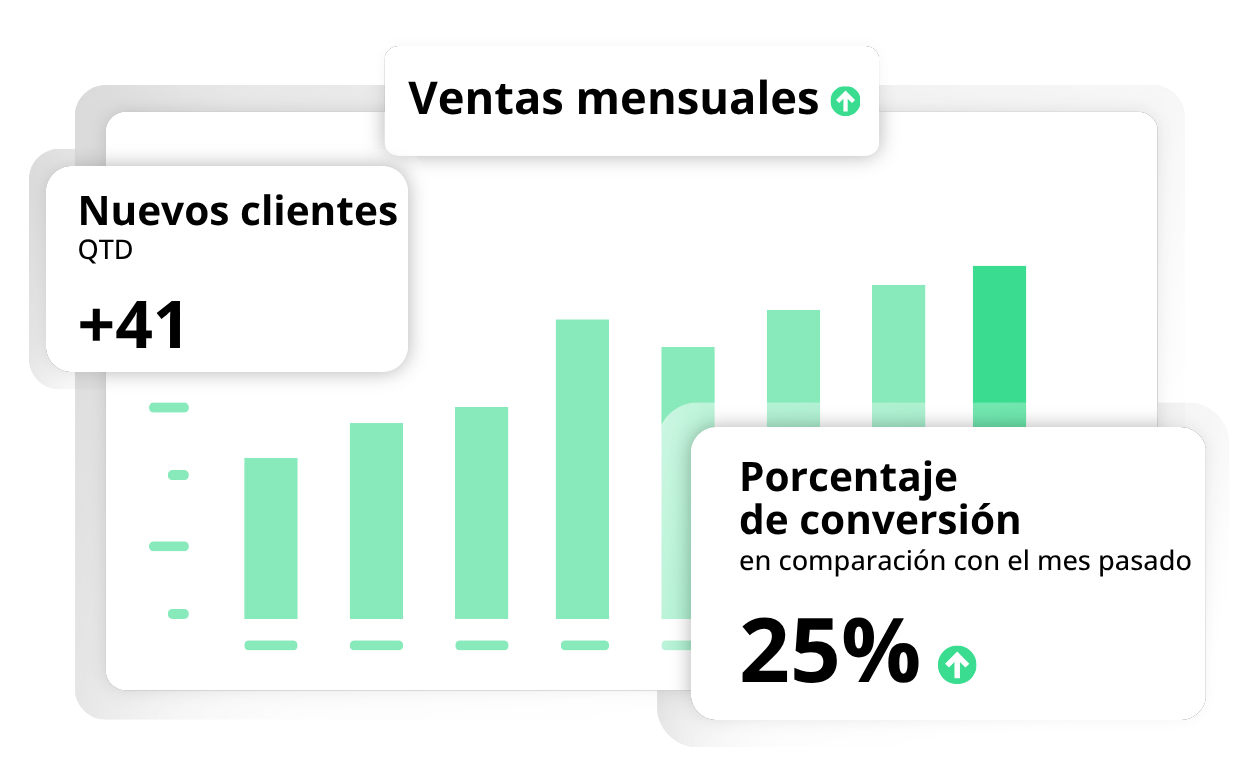
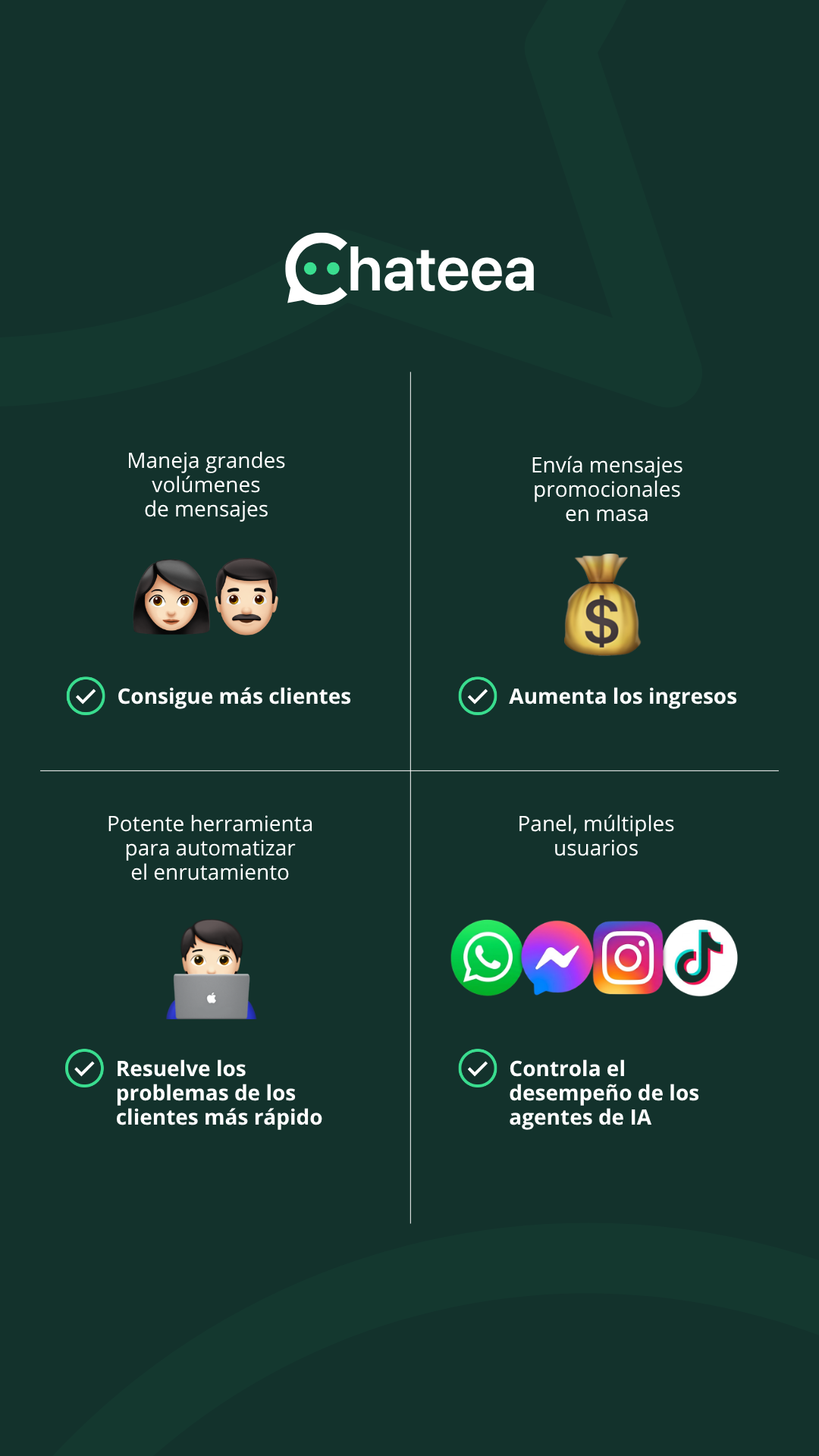
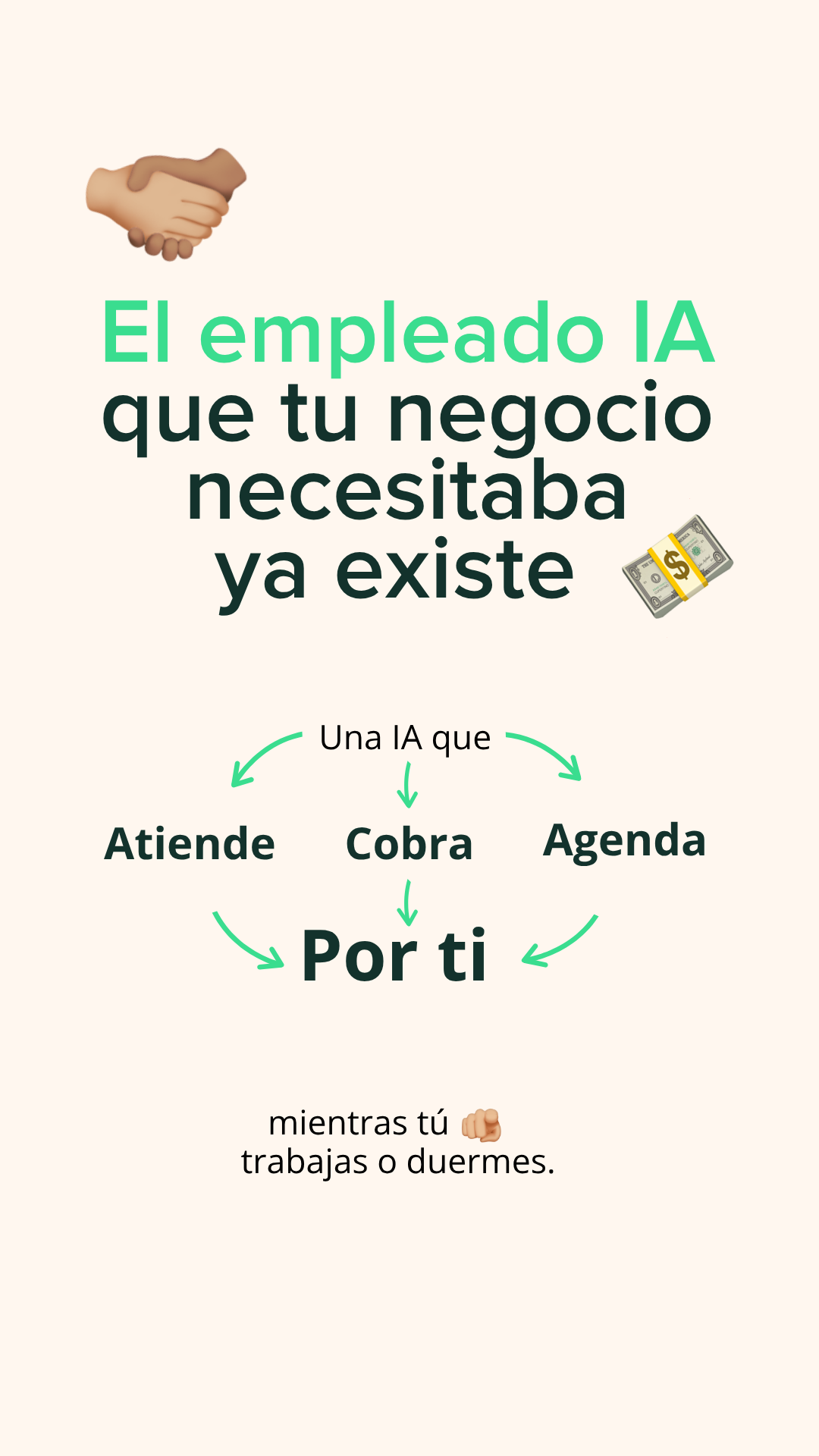
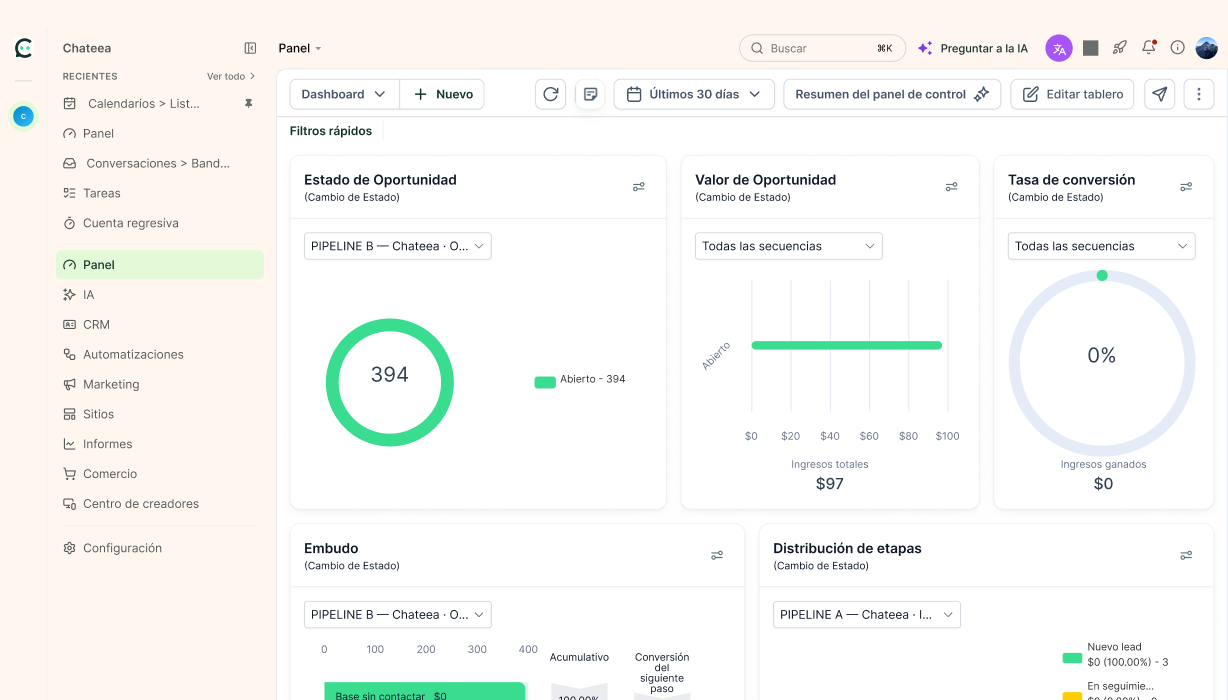
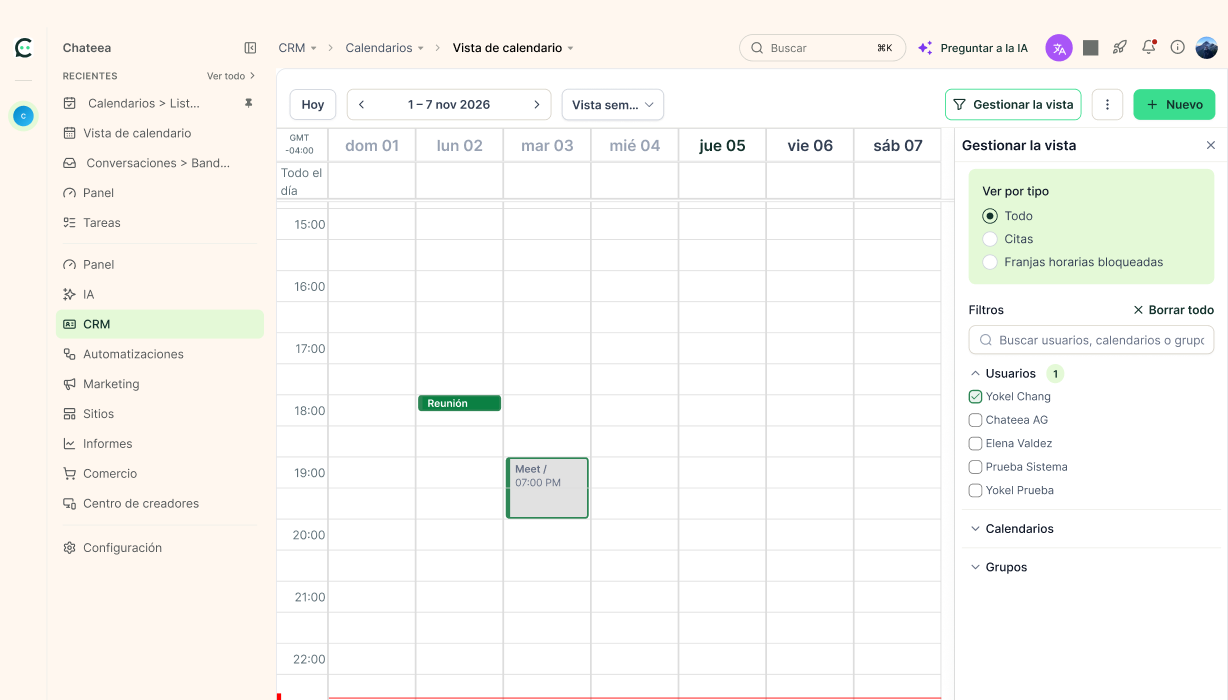
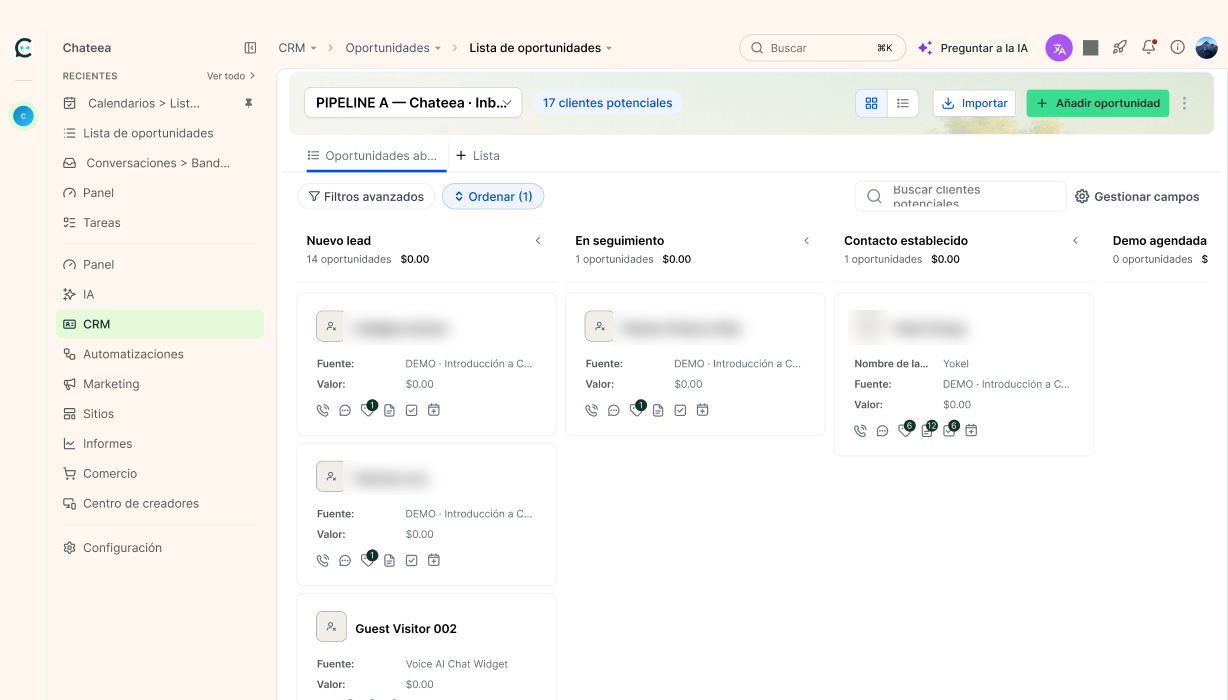
Illustrations, assets and screens
Material ready for presentations, social media and articles.




07 · Downloads
Download everything or just what you need
The files are updated whenever the brand changes.
Complete brand kit
Logos, colors, typography, illustrations, screens and assets in one ZIP
Colors
CSS, SCSS, JSON, Tailwind, ASE and GPL
Typography
TTF files
Illustrations
21 cards in transparent PNG
Examples
Covers, stories, thumbnails, and slides
Editables
Illustrator SVGs and vector PDFs
Need another file or permission?
Co-branding, custom formats or usage questions. We reply the same business day.